Free Website Audit: Discover what's holding your digital presence back
What does a client portal for a law firm do?
It replaces the email thread. A client signs in, sees the matters that belong to them, reads the current status, opens the documents, uploads what the firm asked for, and sends a message that lands on the matter rather than in an inbox.
| Part of the portal | What the client sees | What the firm controls |
|---|---|---|
| Identity | Sign-in, and a second factor if you require one | Who may register, and how an account is approved |
| Matters | Only their own matters, and only the parts you expose | Which fields are client-visible |
| Documents | Current version, history, and what they may download | Upload rules, file types, retention |
| Status | Where the matter stands, in plain language | Who may publish a status change |
| Messages | A thread tied to the matter | Who is notified, and how fast |
| The log | Nothing | Who opened, changed or exported what, and when |
The legal industry page covers the wider digital estate: the firm’s website, practice area content and local visibility. This page covers the portal.
Which decisions belong to the firm, not to the agency?
Six, and they are the ones that hold up a build when nobody has made them:
- Who inside the firm may see a matter, and whether that follows the team or the practice area.
- Whether a client may see a draft, or only a filed document.
- How long a closed matter stays visible, and to whom.
- What has to be logged, and how long the log is kept.
- Whether a second factor is required, optional, or required only for staff.
- Who approves a new client account.
Konzept does not decide these for you, and no agency should. We write them down in discovery, build to them, and show you the result. Your own professional and data protection advisers decide what the rules must be.
How does a portal connect to practice management software?
Through the API your practice management system publishes, when it publishes one. Ask your vendor before you budget the integration, because the answer changes the estimate more than the design does.
Three points settle the scope:
- Which system owns the matter record. Usually the practice management system, which means the portal reads and rarely writes.
- What the portal is allowed to read. A matter list is not a matter file, and the difference is the whole security model.
- What happens when the connection fails. A portal that silently shows yesterday’s status is worse than one that says it cannot reach the system.
Enterprise solutions is the service behind the integration and the access model. Where the portal needs behaviour no product offers, it becomes a software development build. Our guide on custom software versus off-the-shelf sets out how to choose.
What does the portal have to prove about access?
That it can answer one question: who opened this document, and when.
A log that answers that question needs four things. It records reads, not only changes. It records the person, not the shared account. It cannot be edited from inside the application. And it is readable by a partner, not only by a developer.
That last point is the one firms skip. A log nobody can read during a complaint is not evidence. We build an export a person can open and understand.
What does a client portal cost and how long does it take?
The published tiers apply. A document portal on top of a firm’s site usually sits in Growth. A portal with practice management integration and role-based access usually sits in Scale.
| Tier | Starting price | Timeline | What it usually covers here |
|---|---|---|---|
| Growth | EUR 14,500 | 4–8 weeks | Firm website with a document portal, one role model, email notifications, training |
| Scale | EUR 29,500 | 8–14 weeks | Practice management integration, several roles, multi-language, performance work |
| Enterprise | EUR 44,000 | 14–20+ weeks | Custom software, API architecture, advanced authentication, multi-site structure |
The pricing page holds the current packages and monthly plans. For the drivers behind any estimate, read the software development cost guide.
Is a portal always the right answer?
No, and it is worth saying so before you spend EUR 14,500.
A portal earns its cost when the firm exchanges documents often, with many clients, and the exchange has to be provable. A firm that sends three documents a month to five clients does not need one. It needs a tidy, secure way to send three documents.
The honest test is volume and proof. If you cannot say how many document exchanges you handle in a month, count them for four weeks first. That count will shape the scope more than any feature list.
What should a firm bring to discovery?
- Your matter types, and which ones a client would ever see.
- The name of your practice management system, and whether it has an API.
- Your role list: who in the firm sees what.
- Your retention rule for closed matters and for logs.
- The languages the portal must serve, and who writes the second one.
- Your advisers’ written requirements on confidentiality and data protection.
What is the next step?
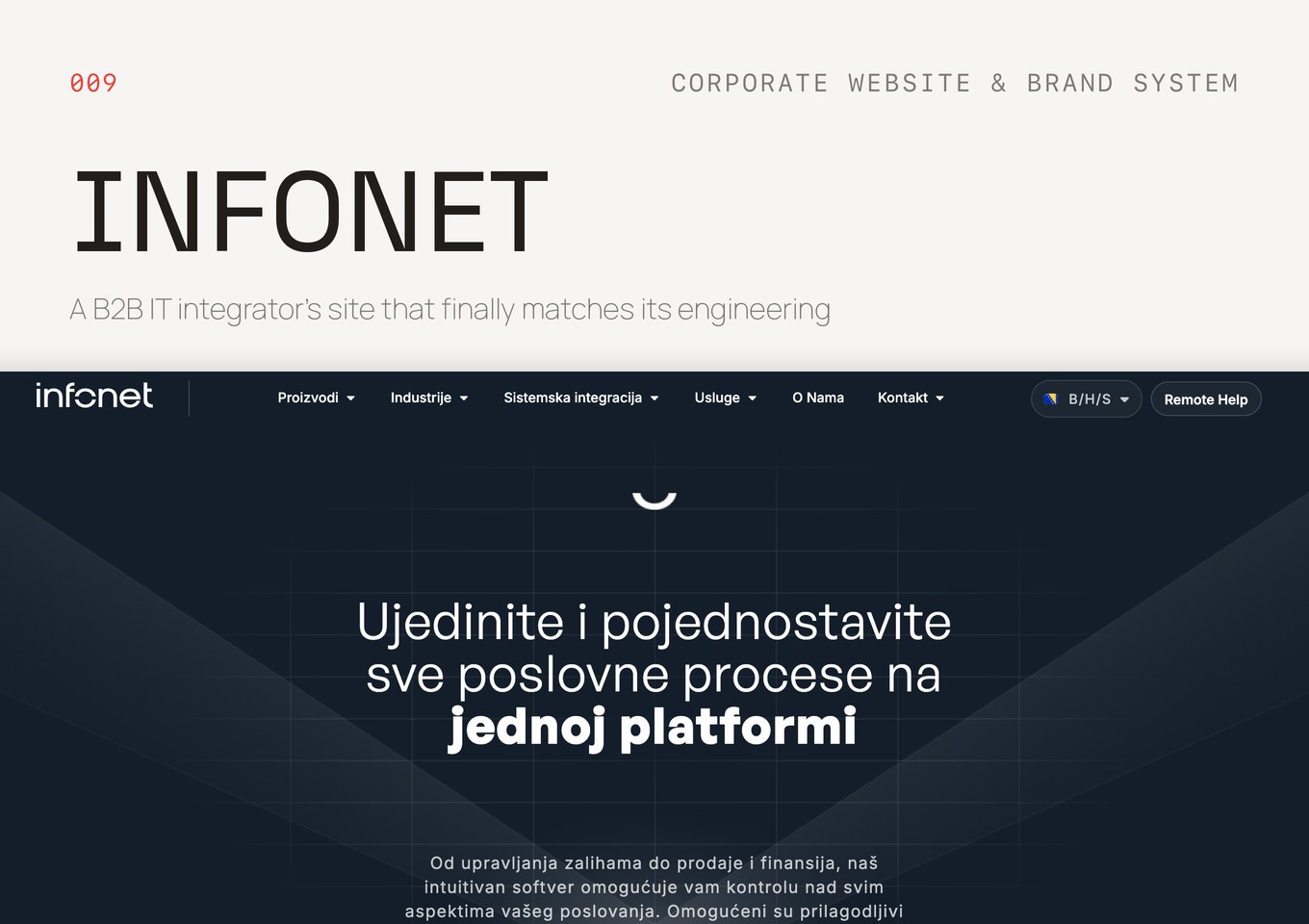
We have not yet published a legal case study. The closest published build is Infonet, a B2B corporate website and brand system for an IT integrator. It is not a law firm, and we will not pretend otherwise; the rest of the published work sits in our project archive.
Send the six discovery items through the quote form and we will propose a scope and a fixed price. To talk the access model through first, book a call.